Key takeaways
- HDMI 2.1 is what makes 4K at 120Hz, VRR and ALLM work on current consoles.
- Use the cable that came with your console, or one labeled Ultra High Speed HDMI.
- On many TVs only one or two ports support full HDMI 2.1, so check which one.
“HDMI 2.1” shows up on every TV box, but the label alone doesn’t tell you much. Here’s what the features mean for a PS5 or Xbox Series X, and how to make sure you’re actually getting them.
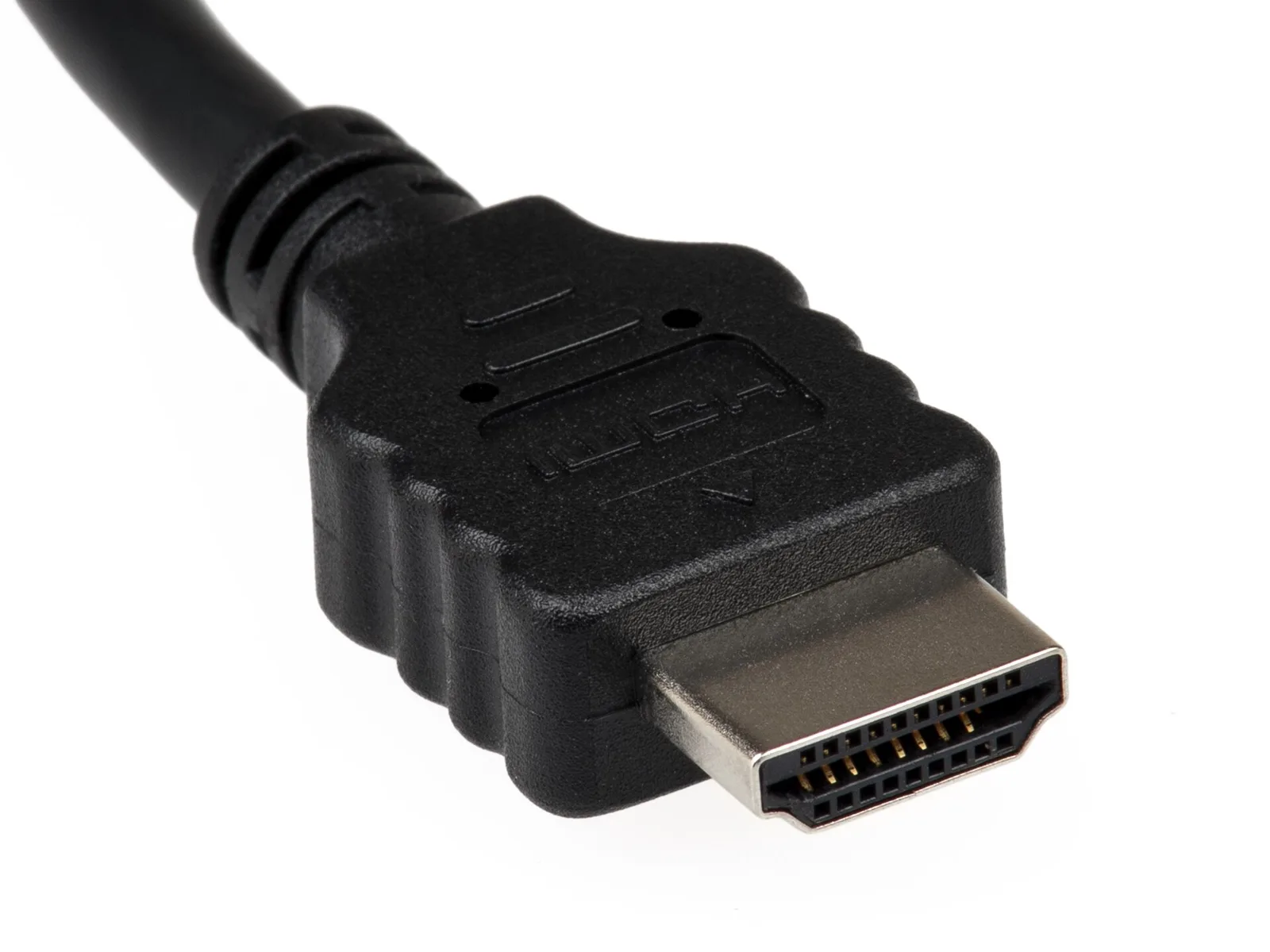
The features that matter for games
- Higher bandwidth (up to 48Gbps): enough for 4K at 120 frames per second.
- VRR (Variable Refresh Rate): the TV’s refresh rate follows the game’s frame rate, which cuts tearing and stutter when performance dips.
- ALLM (Auto Low Latency Mode): the console tells the TV to switch into game mode automatically.
- QMS and QFT: less blanking when switching modes, and lower transmission latency. These are less common.
The catch: “HDMI 2.1” doesn’t guarantee every feature
The HDMI organization lets manufacturers use the 2.1 label without supporting every feature. Look for specific mentions of 4K 120Hz and VRR on the TV’s spec sheet, and check which HDMI ports offer them.
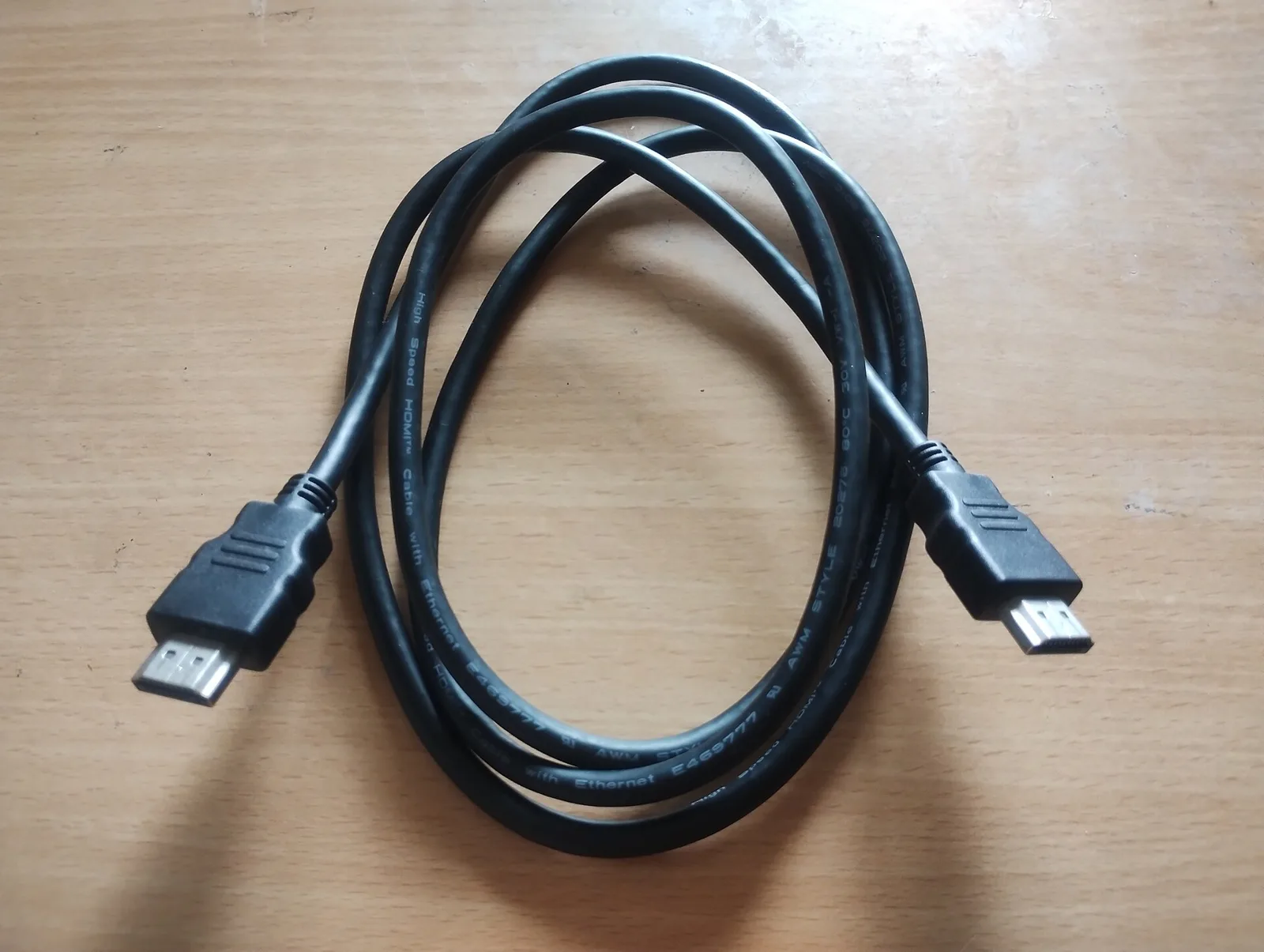
Cables
For 4K at 120Hz you need an Ultra High Speed HDMI certified cable. The cables that ship with PS5 and Xbox Series X are fine. Long or cheap no-name cables are the usual cause of a black screen at 120Hz.
Next steps
Ready to switch it on? Follow our PS5 120Hz and VRR setup guide. Shopping for a screen? Read how to choose a gaming monitor first.

.jpg)