Key takeaways
- Start with a connection your platform supports: 3.5 mm, USB, 2.4 GHz dongle, Xbox Wireless or Bluetooth.
- Comfort and fit matter more than most spec-sheet numbers.
- Check the microphone and wireless details (battery, range, simultaneous audio) before you buy.
Gaming headsets range from cheap wired sets to expensive wireless models with companion apps and swappable batteries. Spec sheets are full of numbers that sound important but often are not. This buying guide explains what actually matters, which specs to read carefully and which to mostly ignore, so you can pick a headset that suits your platform, your head and your budget. We have not run lab tests here; instead we explain the published specifications and the trade-offs behind them.
1. Start with your platform and connection
Compatibility is the first filter, and it is where many people go wrong. The same headset can behave very differently on different devices.
Wired 3.5 mm
An analog 3.5 mm headset plugged into a controller or PC is the most universal option. PlayStation 5 DualSense controllers, current Xbox Wireless Controllers and the Nintendo Switch (handheld and docked through the console’s jack) all have a headphone jack. No batteries, no pairing and very low latency. The trade-off is the cable, and on some controllers you control volume through system menus rather than on the headset.
USB wired
USB headsets include their own sound card. They often add features such as virtual surround or mic monitoring on PC, but console support varies, so check the product page for your exact console.
2.4 GHz wireless with a dongle
Most dedicated wireless gaming headsets use a USB or USB-C dongle on a 2.4 GHz connection. Latency is low enough for gaming and range is usually fine within a room. Read the compatibility list carefully: many PlayStation-focused dongles do not work on Xbox.
Xbox Wireless
Xbox consoles use Microsoft’s own wireless protocol for headsets and do not support standard Bluetooth audio. A wireless headset for Xbox must be listed as Xbox-compatible (often labelled “Designed for Xbox”) or use a dongle that supports Xbox. A wired headset in the controller jack always works.
Bluetooth
Bluetooth is convenient for phones and tablets, but it is the weakest link for gaming. Standard Bluetooth audio adds noticeable latency, and microphone quality often drops when the headset switches into its “hands-free” mode. The Nintendo Switch gained Bluetooth audio support in a 2021 system update, but Nintendo lists limitations: Bluetooth microphones are not supported, only two wireless controllers can be connected while Bluetooth audio is in use, and Bluetooth audio disconnects during local wireless multiplayer. Nintendo Switch 2 has the same restrictions. Many current headsets combine a 2.4 GHz dongle for consoles with Bluetooth for phones, which is a sensible compromise.
2. Comfort matters more than almost any spec
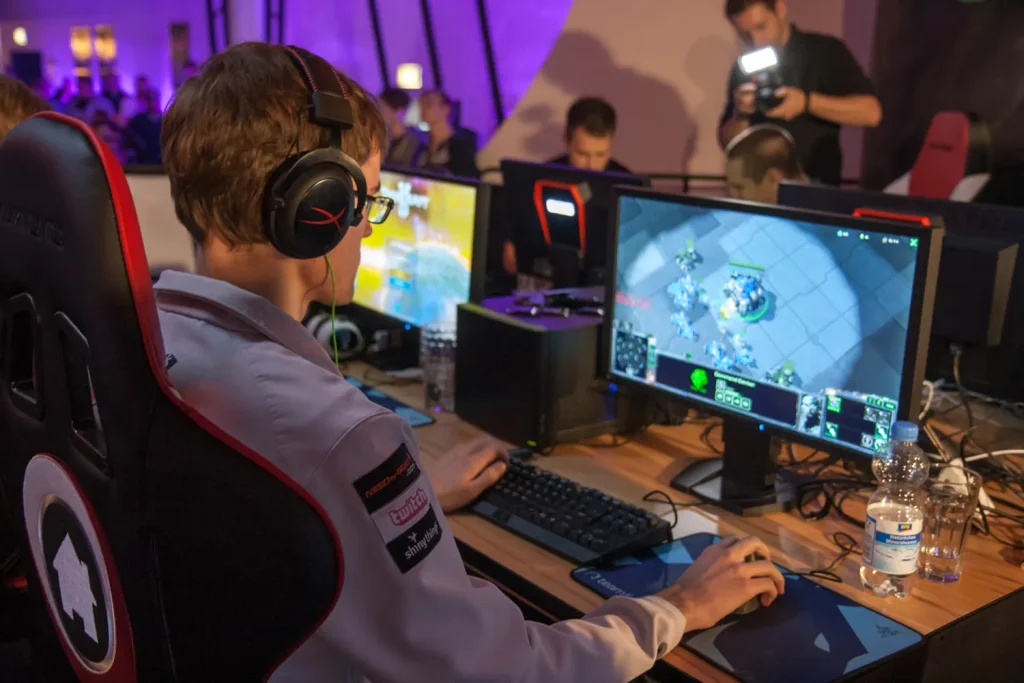
You will wear the headset for hours. A headset that sounds great but squeezes your head will end up in a drawer. Things to look at:
- Weight. Manufacturers list it in grams. Lighter is generally more comfortable for long sessions; wireless models are usually heavier because of the battery.
- Clamping force. Not on spec sheets, but reviews and user feedback mention it. People with larger heads or glasses should pay attention.
- Ear pads. Leatherette seals better and blocks more noise but gets warm. Fabric or velour breathes better but leaks more sound. Replaceable pads extend a headset’s life.
- Headband. Suspension-strap designs spread weight well. Check adjustment range if you have a larger or smaller head.
- Glasses. Softer, deeper pads cause less pressure on glasses arms.
3. Open-back versus closed-back
Most gaming headsets are closed-back: the ear cups are sealed, which blocks outside noise and keeps your audio from bothering others. Open-back headphones let air and sound pass through the cups. They often sound more spacious, which some players like for positional audio, but they leak sound in both directions. Choose closed-back for shared rooms or noisy environments, and consider open-back only if you play somewhere quiet.
4. Reading the audio specs honestly
- Driver size (e.g. 40 mm, 50 mm). Bigger does not automatically mean better. Tuning and build quality matter more than diameter.
- Frequency response (e.g. 20 Hz – 20 kHz). Almost every headset lists a similar range. Without a graph showing how even the response is, this number tells you very little.
- Impedance. Most gaming headsets are designed to be driven easily by a controller or PC. It mainly matters for wired headphones over about 80 ohms, which may need more power than a controller jack provides.
- “7.1 surround.” On a headset with two drivers this is virtual surround, processed in software. It can help or hurt depending on the game. Consoles also offer their own spatial audio: PS5 has its Tempest 3D Audio, and Xbox and Windows support Windows Sonic and paid options such as Dolby Atmos for Headphones. These work with ordinary stereo headsets.
5. The microphone
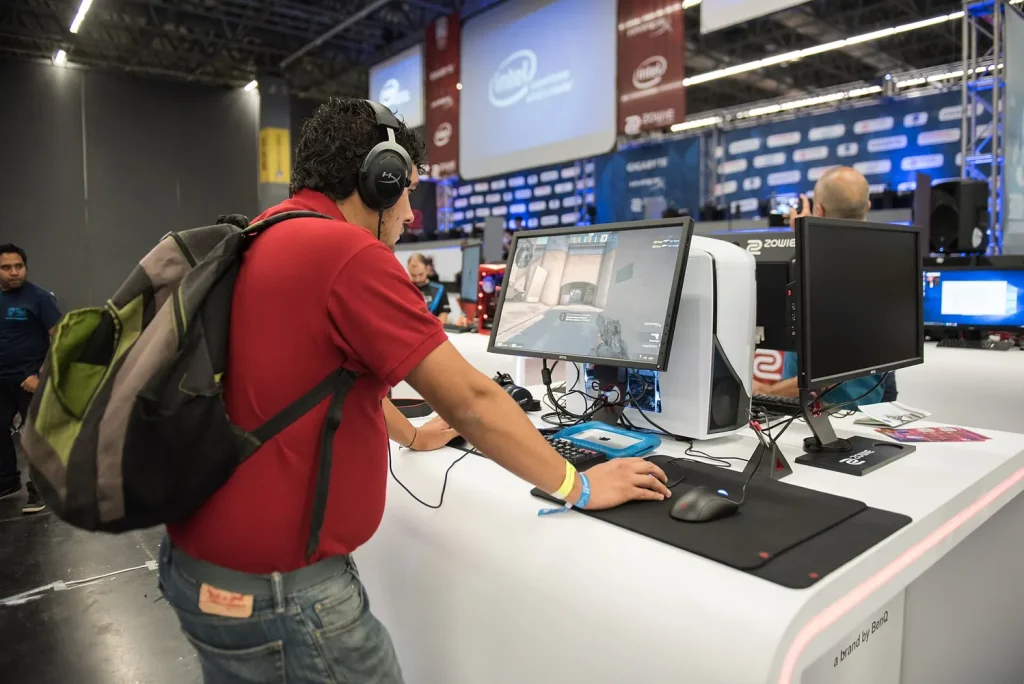
If you chat a lot, the mic deserves real attention.
- Boom mics placed near the mouth almost always beat mics built into the ear cup.
- Detachable or flip-to-mute booms are handy if you also use the headset as everyday headphones.
- Noise handling. Some headsets use cardioid pickup patterns or software noise suppression to reduce keyboard and room noise.
- Sidetone/mic monitoring lets you hear your own voice, which stops you from shouting with closed-back cups.
Since mic quality is hard to judge from specs, listen to recorded samples in independent reviews before buying.
6. Wireless details worth checking
- Battery life. Manufacturer figures are measured under specific conditions, usually with lighting off and moderate volume. Expect less with RGB lighting or high volume.
- Charging. USB-C is standard now. Some headsets allow play while charging; a few have swappable batteries.
- Simultaneous connections. Some can mix a 2.4 GHz game source with a Bluetooth phone call at the same time.
- Software. Companion apps can offer EQ presets and firmware updates. Check whether they are available on your platform; console players may only get a phone app or none.

7. Build quality and long-term value
Look at what is likely to break: hinges, headband sliders and cables. Metal-reinforced headbands and detachable cables tend to last longer. Replaceable ear pads, an available replacement cable and a reasonable warranty are all signs of a headset you can keep using for years.
8. Setting a sensible budget
Prices change constantly, so instead of fixed figures, think in tiers:
- Entry level: wired stereo headsets. Often the best value for sound per dollar.
- Mid-range: reliable wireless models with decent mics and comfortable pads. The sweet spot for most console players.
- Premium: multi-platform wireless, active noise cancellation, better materials and swappable batteries. Worth it if you use one headset for everything.
A good pair of wired headphones plus a separate microphone is also a valid alternative, especially on PC.
Quick checklist
- Confirm the exact connection works on your console or PC.
- Prioritize weight, pads and clamping force for comfort.
- Pick closed-back unless you play in a quiet room.
- Do not over-value driver size or “7.1” claims.
- Listen to real mic samples if you chat.
- Check battery, charging and replacement parts on wireless models.
The best gaming headset is the one that works with your hardware and that you forget you are wearing after an hour.
Tip: Bookmark this guide. We update it when platforms change their rules or specs.