Key takeaways
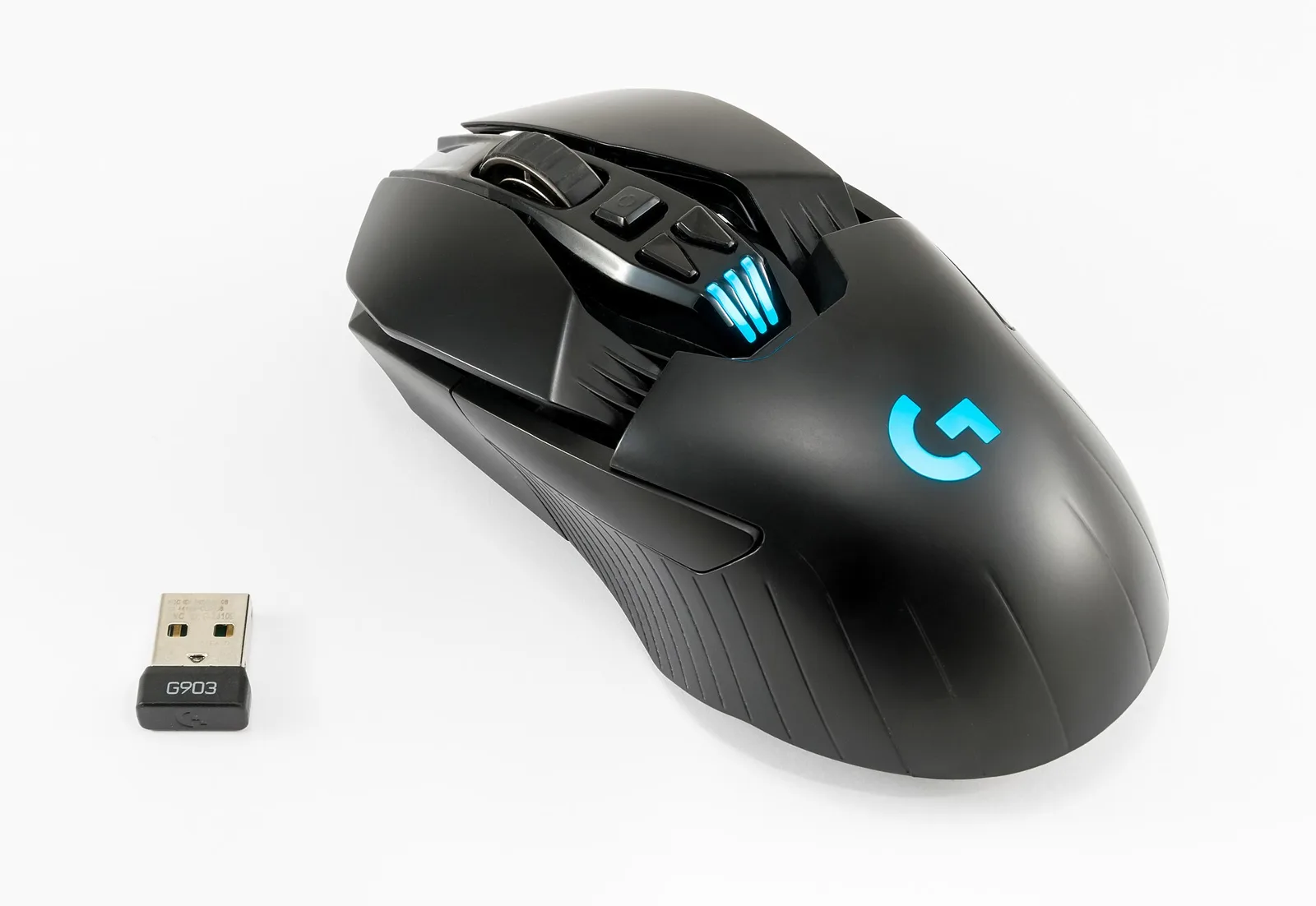
- Modern 2.4GHz wireless gaming mice using a USB dongle are fast enough for competitive play. Bluetooth is not.
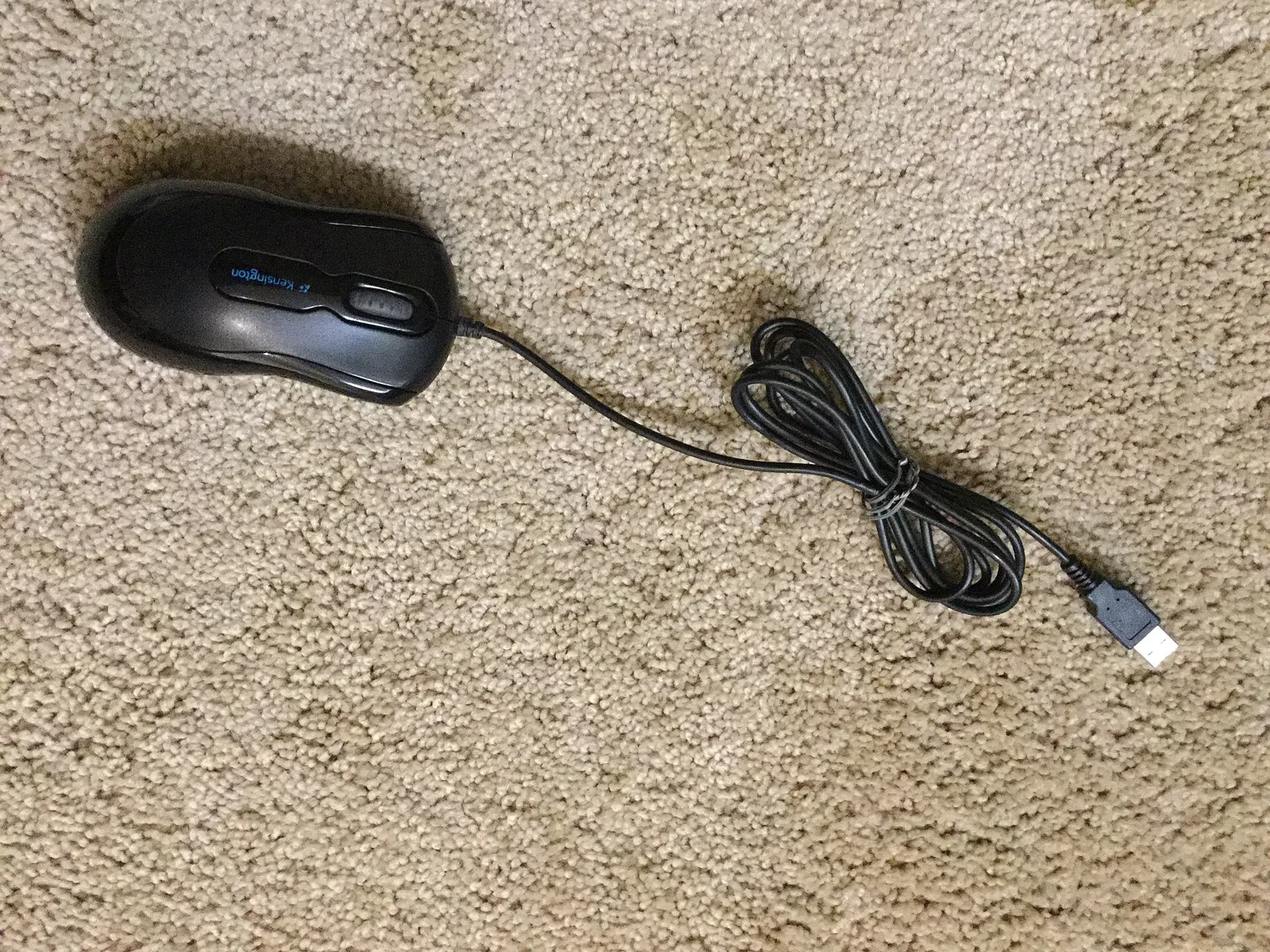
- Wired is cheaper, never needs charging and is usually a little lighter for the price.
- Pick based on budget, desk setup and how much you hate cables, not on old latency myths.
Ten years ago, wireless meant lag. That’s no longer true for gaming-grade mice that use a dedicated 2.4GHz USB receiver. Here’s how the two compare today.
Latency and connection type
- 2.4GHz dongle (wireless “gaming” mode): the low-latency option. This is what esports-focused wireless mice use.
- Bluetooth: convenient for laptops and saves battery, but it has more latency. Use it for work, not ranked matches.
- Wired USB: no battery and no interference. Still the simplest choice.
Polling rate
Polling rate is how often the mouse reports to your PC: 1000Hz means every millisecond. Some mice now offer 4000Hz or 8000Hz, which uses more CPU and battery. The difference is small, and most players won’t notice it beyond 1000Hz.
Battery and weight
A battery adds weight, though many wireless mice are now very light. Expect to charge every few days to a couple of weeks, depending on the model, the lighting and the polling rate. Turning off RGB lighting helps a lot.
Who should go wireless
Couch PC gamers, people with tidy desks, and anyone who travels with a laptop. If you’re new to building a setup, our beginner PC build checklist covers the rest of the desk.
Who should stay wired
Budget buyers, people who forget to charge things, and anyone using a wireless headset and keyboard on the same crowded USB ports. Keep the dongle close using the extension cable that comes with most mice.
Still putting your setup together? Read our keyboard switch guide and how to choose a gaming headset.