Key takeaways
- Switch 2 can save and play games only from microSD Express cards (up to 2TB).
- Regular microSD cards (UHS-I) can only be used to copy screenshots and video captures.
- Look for the “EX” mark on the card. 256GB is a sensible minimum for most people.
If you’ve upgraded from the original Switch, your old microSD card won’t hold Switch 2 games. Nintendo’s second console uses a faster card type called microSD Express. This guide explains the difference and what to check before you buy. We haven’t run speed tests on these cards ourselves. Everything here comes from Nintendo’s and the SD Association’s specifications.
What is microSD Express?
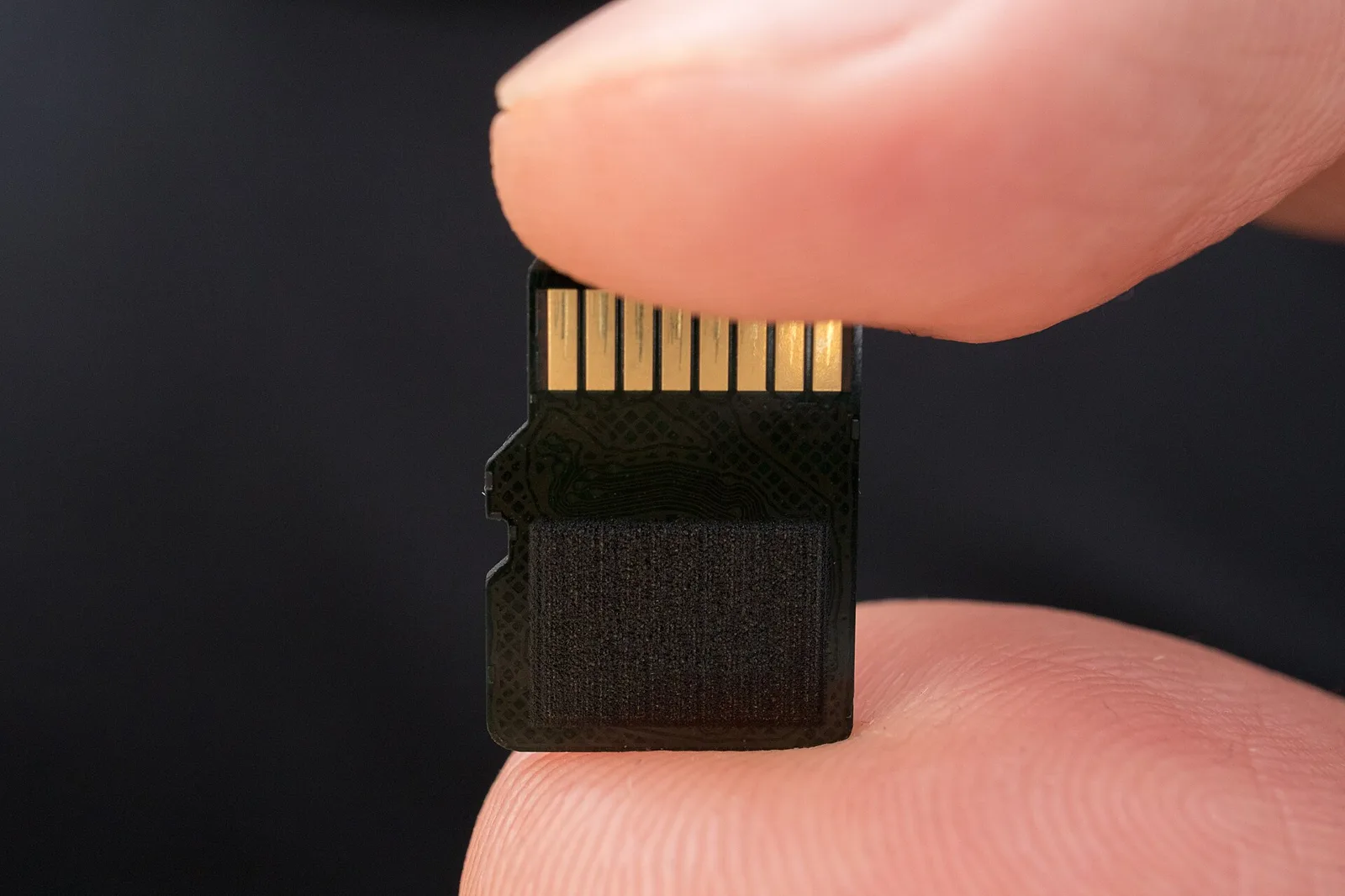
microSD Express cards use the PCIe and NVMe interfaces, the same technology as SSDs, instead of the older UHS bus. They look the same as regular microSD cards but are much faster at reading data, and the speed gap is why Nintendo requires them. You can spot them by the “EX” logo printed on the card.
How much space do you need?
Switch 2 has 256GB of built-in storage, and new games are large. Nintendo lists Ocarina of Time at about 27GB and Metaphor: ReFantazio at about 62.1GB. Game-key card releases also need a full download (see our Metaphor Switch 2 guide). A 256GB card doubles your space, and 512GB or more suits people who buy mostly digital.
What to look for
- The “EX” logo, or wording that the card is microSD Express. Cards that only say “UHS-I”, “A2” or “V30” are the old type.
- A known brand and a real retailer. Fake high-capacity cards are common on marketplaces.
- “Licensed for Nintendo Switch 2” branding is optional. It confirms compatibility but doesn’t make the card faster than other microSD Express cards.
Setting it up
Power the console off fully, insert the card, then turn it on. Nintendo says the first time you use a microSD Express card, the console needs a system update over the internet. Note that save data always stays in system memory, not on the card. After that, you can move games from System Settings → Data Management.
Battery matters as much as storage on the go, so see our Switch battery tips. For the technical background, read what microSD Express is.