Key takeaways
- Linear: smooth all the way down. Popular for gaming.
- Tactile: a bump you can feel when the key registers. A good all-rounder for typing.
- Clicky: a bump plus an audible click. Satisfying, but loud on voice chat.
- A hot-swappable board lets you change switches without soldering.
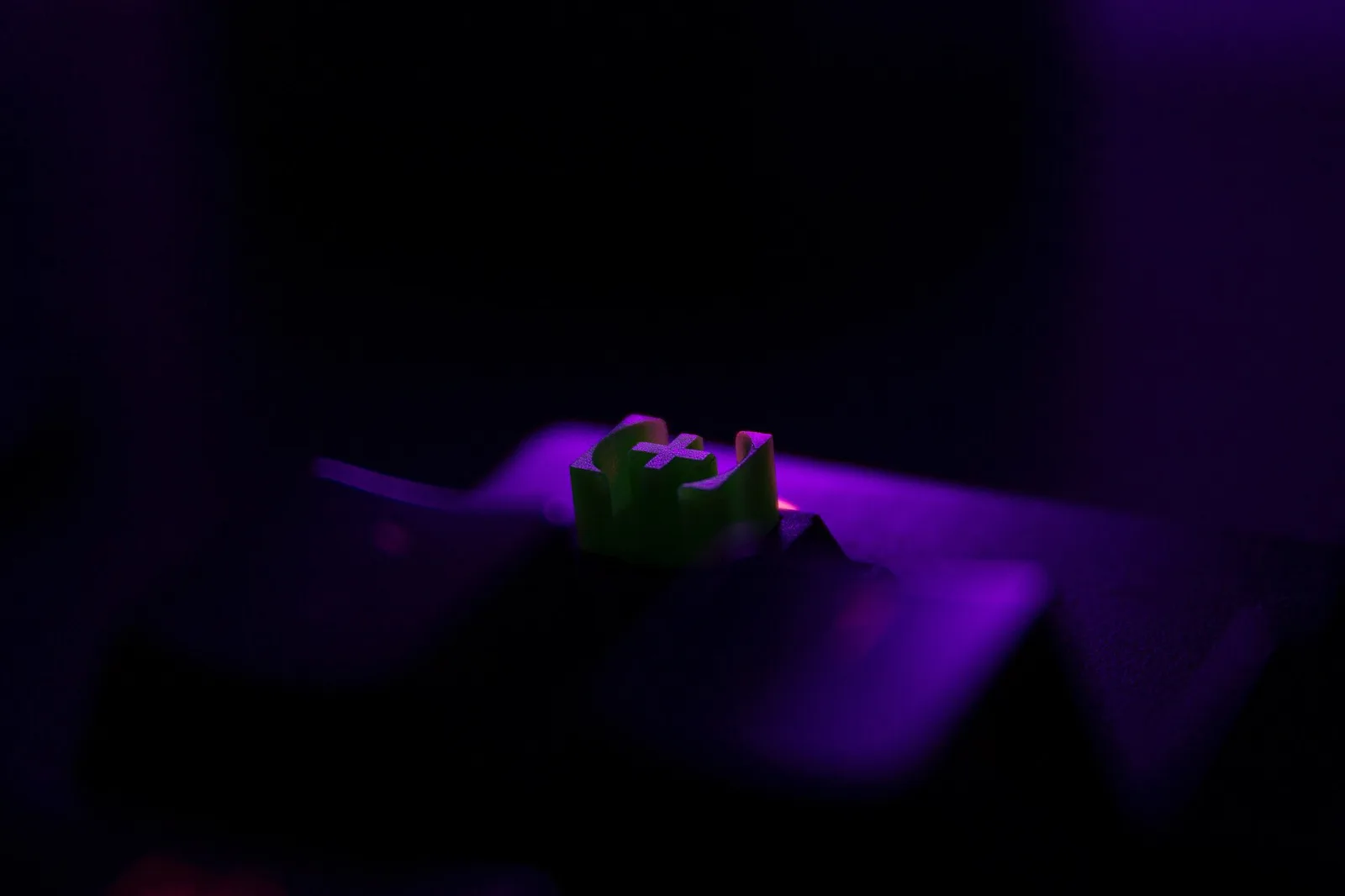
The switch under each key does more than anything else to decide how a mechanical keyboard feels and sounds. Brand names and colors vary, but nearly every switch falls into one of three groups.
The three main types
Linear
No bump and no click: the key moves smoothly from top to bottom. Classic examples are “red” and “black” style switches. Gamers like them because nothing gets in the way of fast, repeated presses.
Tactile
A small bump near the actuation point tells your finger the key has registered, which helps you type without bottoming out. “Brown” style switches are the common entry point.
Clicky
A tactile bump plus a sharp click, like “blue” style switches. Great feedback, but your teammates and housemates will hear it.
Numbers worth knowing
- Actuation force: how hard you press to register a key, in grams or centinewtons. Lighter feels faster. Heavier helps prevent accidental presses.
- Actuation point and total travel: how far down the key registers compared with how far it can go.
- Optical and magnetic (Hall effect) switches: sense key position with light or magnets. Some boards let you set the actuation point and use “rapid trigger”.
How to choose
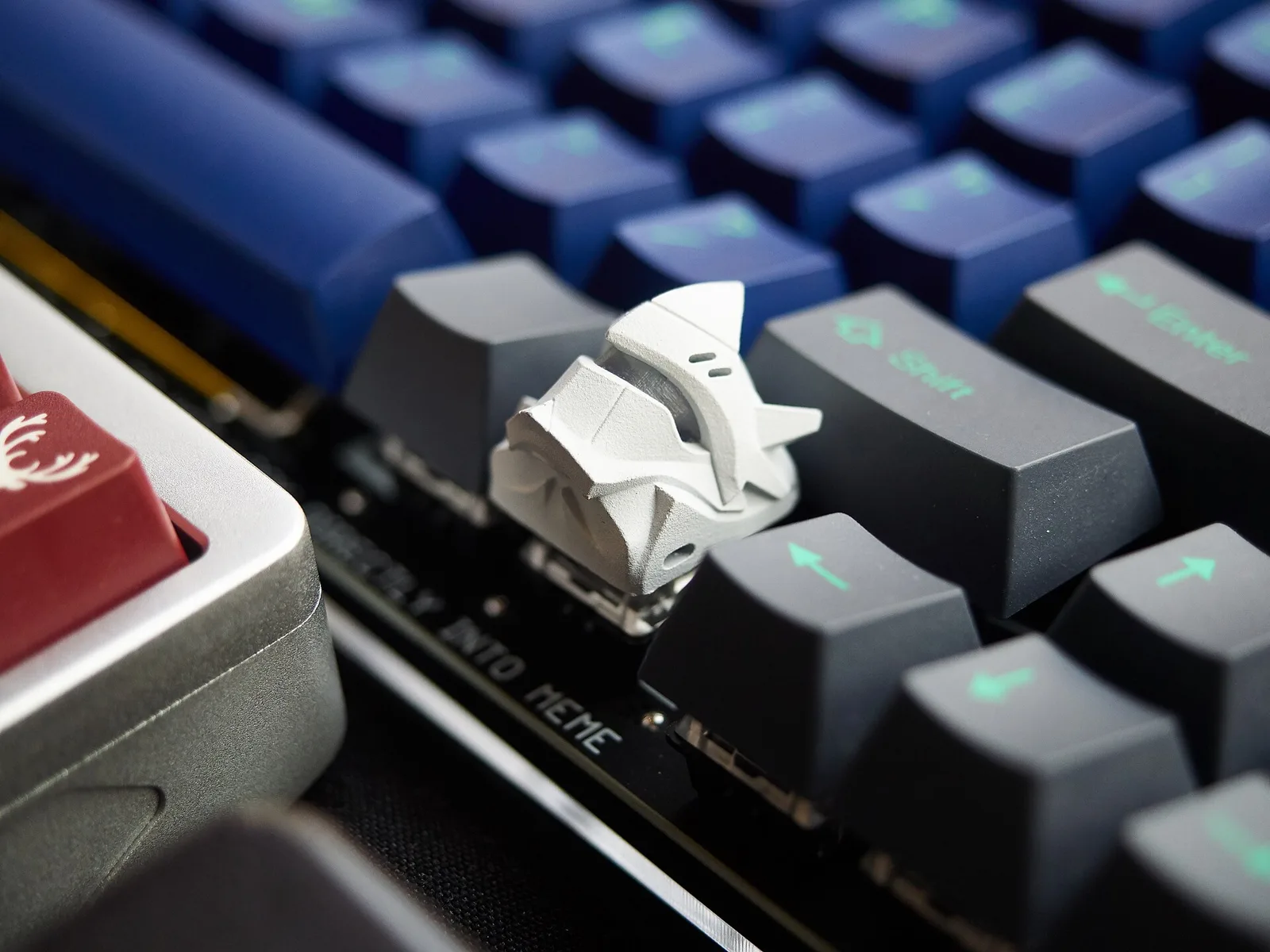
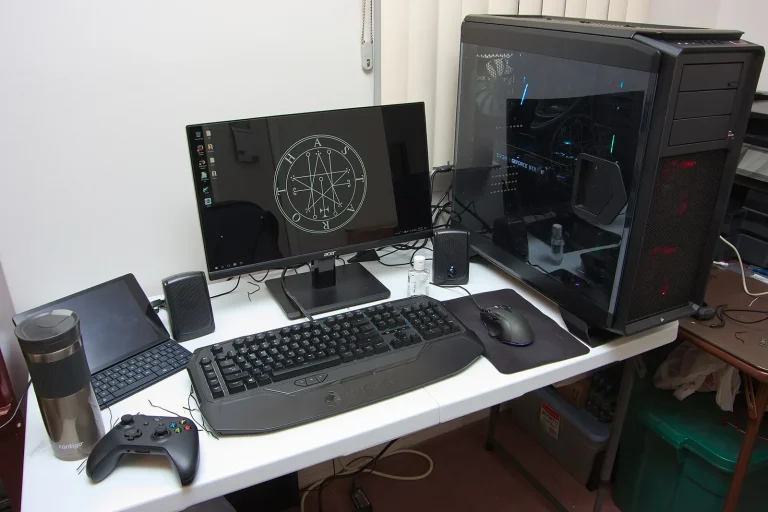
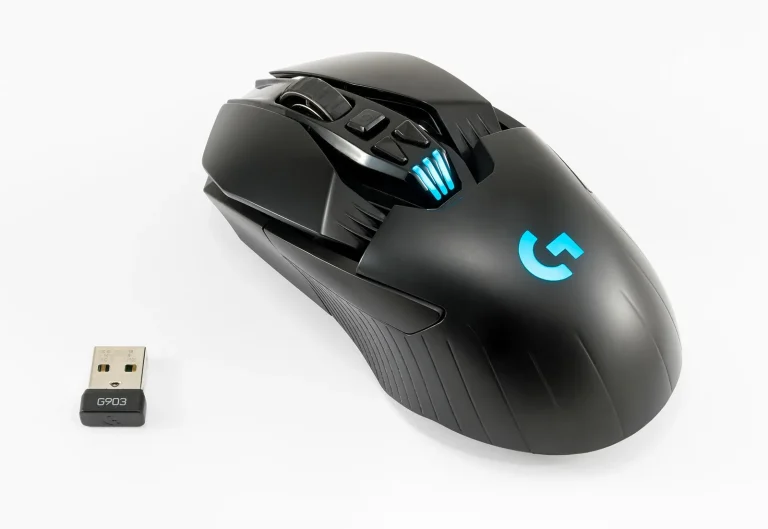
If you can, try a switch tester. Otherwise, buy a hot-swap keyboard so a wrong guess costs you a set of switches, not a whole keyboard. Pair it with the right mouse using our wired vs wireless mouse guide, and see our PC build checklist if you’re building from scratch.

.jpg)