Key takeaways
- Pick the co-op style (shared-screen, split-screen, asymmetric or drop-in) that fits the people playing.
- Check that a game supports local co-op and enough players on one console before you buy. Online co-op is not the same.
- Use assist modes and difficulty settings to close the skill gap.
Couch co-op is one of the best things about console gaming: two or more people, one screen, one sofa, and nobody waiting for a party invite to load. It is also easy to get wrong. The wrong game, a cramped split screen or a big gap in skill levels can turn a fun evening into one person playing while the other watches. This guide is about the approach rather than a ranked list, so it stays useful no matter which games are new this year.
Start with who is playing, not with the game
The biggest factor in a good co-op night is the gap between the most and least experienced player. Two people who play action games every week can enjoy almost anything. A parent and a seven-year-old, or a long-time gamer and a partner who rarely picks up a controller, need something very different.
Ask three quick questions before you choose:
- How comfortable is everyone with a controller? Controlling a 3D camera with the right stick is a real barrier for new players. Games with a fixed or automatic camera are far friendlier.
- How long is the session? Some games work in 20-minute bursts; others want a whole evening and a save file you both come back to.
- Is the goal to cooperate or to laugh? Chaotic games where failure is funny are great for groups. Story campaigns work better for two people sharing one save.
Know the main types of couch co-op
Shared-screen games
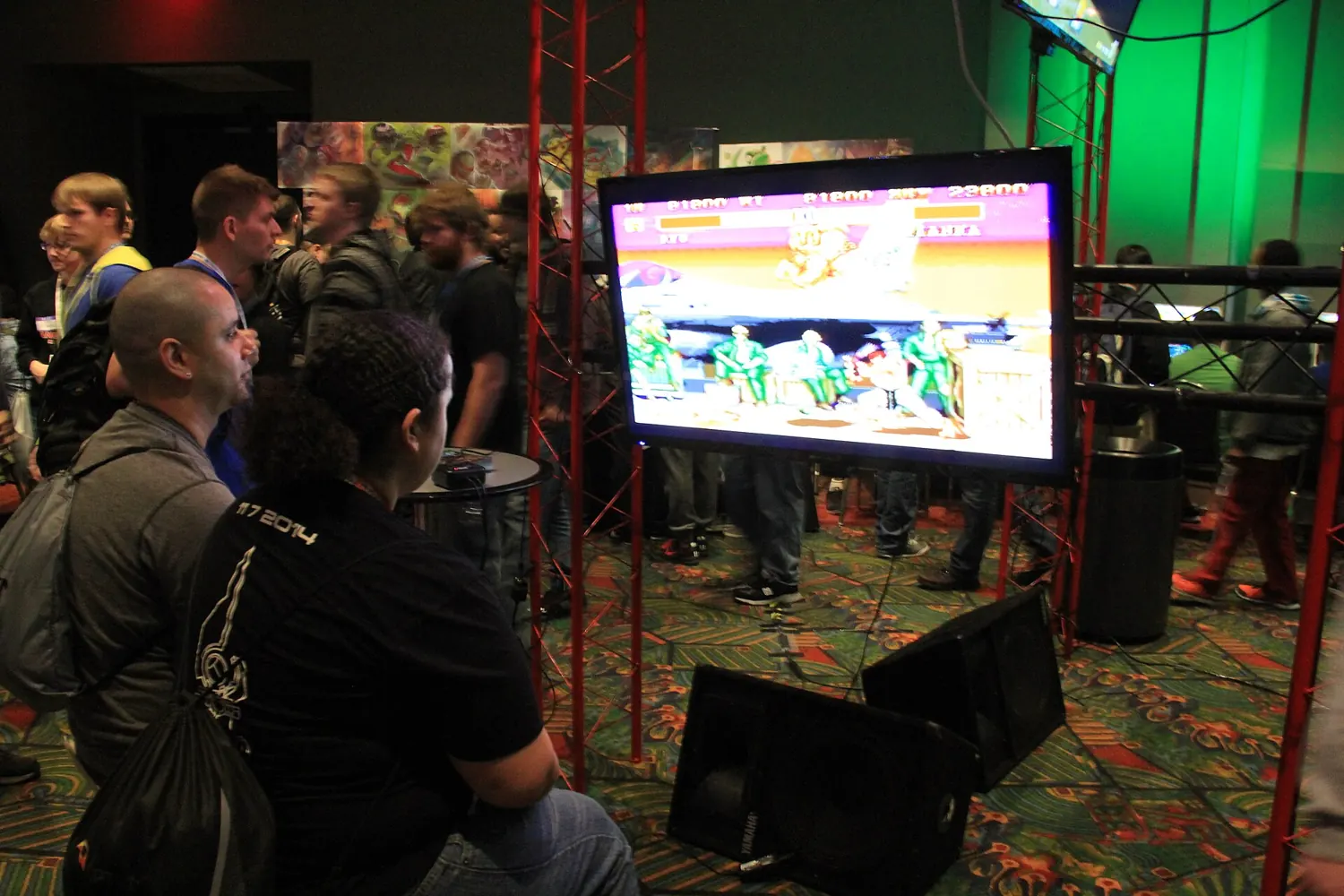
Everyone is on one screen with a single camera. Platformers, many party games and top-down action games work this way. Nobody’s view shrinks, and it is easy to see what the other player is doing so you can help. The downside is that the camera can only stretch so far, so a faster player can drag a slower one along or off the edge.
Split-screen games
The screen is divided so each player has their own camera. This is common in racing games, shooters and larger 3D adventures. It gives everyone freedom to explore, but each view is smaller. On a small TV or with four players, text and details can become hard to read.
Asymmetric and helper roles
Some games give the second player a simpler job, such as collecting items, pointing out targets or providing support. These are excellent for mixed-skill households because the newer player still makes a real contribution without mastering the full control scheme.
Drop-in, drop-out
Many games let a second player join or leave at any time without restarting. If people in your home come and go, this feature matters more than almost anything on the back of the box.
Check the co-op details before you buy
Store pages are not always clear about how multiplayer works. A game listed as “2 players” may only mean online play. Before buying, look for these specifics in the store listing, the publisher’s site or a detailed review:
- Local versus online. Make sure it says local, couch, split-screen or shared-screen co-op, not only online co-op.
- Player count for local play. A game might support four players online but only two on one console.
- Whether the campaign is fully co-op. Some games limit local co-op to a separate mode, or make the second player a temporary companion.
- Progress for the second player. In some games only the host’s save advances. That is fine for a family playing together, less fine if two people want their own progress.
- Profiles. Some consoles and games need each local player signed in to a user profile. Set those up before the evening starts.
Set up the room for everyone
Controllers
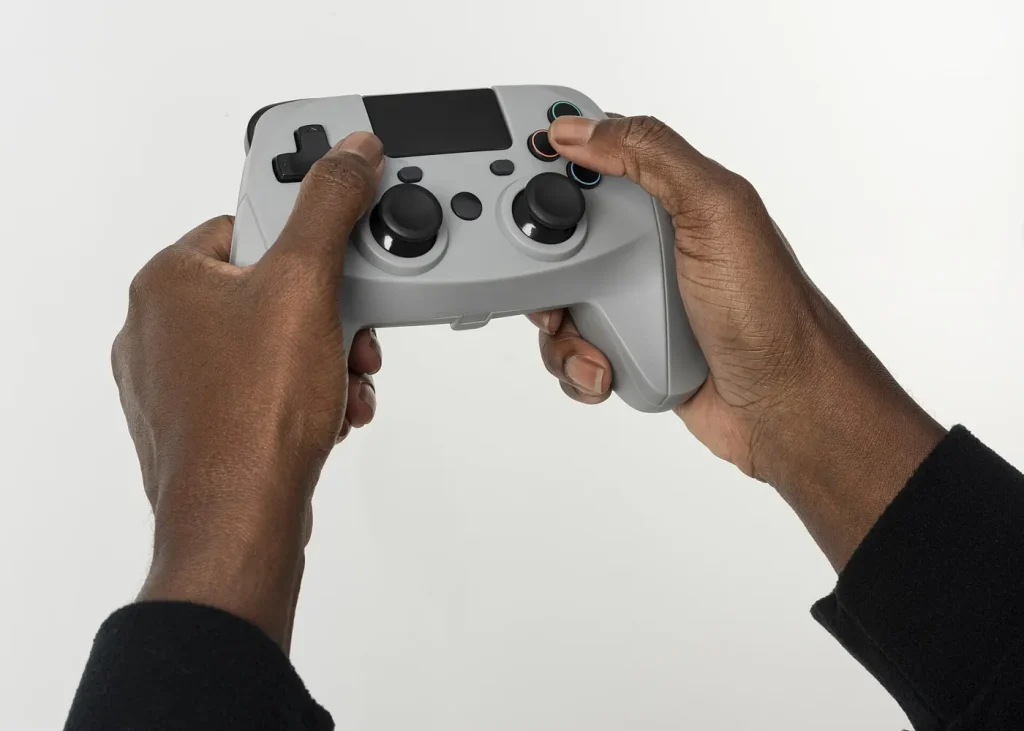
Have one charged controller per player, with cables or spare batteries nearby. Mixing controller types is usually fine, but check that the game shows the right button prompts for each. On a Nintendo Switch, a single Joy-Con held sideways works for many simple games, but it is cramped for adult hands in anything complex; a full-size controller makes longer sessions far more comfortable.
Screen size and distance
Split screen on a small TV viewed from across a large room is hard work. If you play a lot of split screen, sit closer than usual or move to the biggest screen in the house. Turn on larger subtitles or text options if the game has them.
Seating and sound
Make sure every player can see the screen straight on. Keep the volume at a level where people can still talk, because talking to each other is half the fun of playing in the same room.

Use the settings that close the skill gap
- Difficulty and assist modes. Many games let you lower difficulty at any time, and some allow different settings per player.
- Friendly fire. Turn it off for new players unless the chaos is the point.
- Aim assist and steering assist. Shooting and racing games often include these for exactly this reason.
- Accessibility menus. Options such as hold-to-toggle, button remapping and reduced camera shake help some players more than any difficulty slider.
There is no shame in lowering the difficulty. The goal of couch co-op is shared fun, not proving anything.
Match the game type to the occasion
Playing with kids
Look for low penalties for failure, simple controls, a camera that manages itself and short levels. Check the age rating from ESRB, PEGI or your local rating board, and read the content descriptors, not just the number. Make sure the young player has a role that matters; if they are always being dragged along, they lose interest fast.
Playing with a partner
Two-player games built around cooperation are often the best choice: puzzles that need both people, and a campaign you finish over a few weeks. Agree that you only play that save together, so nobody gets ahead.
Party nights
For three or four people, short rounds, rules you can explain in a minute and moments that make everyone laugh beat long campaigns. Keep one very easy option ready for guests who do not normally play.
Two experienced players
This is where tougher action games, split-screen shooters and long RPG campaigns shine. Even here, check how the game handles the second player’s progress before you sink 40 hours into it.
Keep sessions fun
- Let the newer player lead sometimes. Give them the choice of where to go next.
- Explain controls once, briefly. Then let them learn by playing rather than narrating every button press.
- Stop before it turns frustrating. If the same section has failed five times, lower the difficulty, take a break or switch games.
- Rotate games. Keep two or three go-to choices for different moods: one chaotic, one relaxed, one longer campaign.
Where to find reliable information
Instead of trusting a single top-ten list, combine sources. The official store page tells you the supported player modes. Long-form reviews from established outlets usually describe how co-op actually feels. Community databases dedicated to co-op games list details such as local player counts and split-screen support. Gameplay videos are the quickest way to see whether split screen is readable at your TV size.
Quick checklist
- Decide who is playing and how experienced they are.
- Pick shared-screen, split-screen or asymmetric co-op to suit them.
- Confirm local co-op, player count and save progress before buying.
- Charge controllers and set up profiles in advance.
- Use difficulty, assist and accessibility options freely.
- Keep a short list of games for different moods.
Get those basics right and almost any evening on the couch can turn into a good co-op session.
Tip: Bookmark this guide. We update it when platforms change their rules or specs.