Key takeaways
- microSD Express uses PCIe/NVMe, the same interface family as SSDs.
- The SD Association’s spec allows up to about 985MB/s with PCIe Gen3 x1. Standard UHS-I tops out at 104MB/s.
- Express cards fall back to UHS-I speed in older readers. Older cards don’t work in Express-only devices like Switch 2.
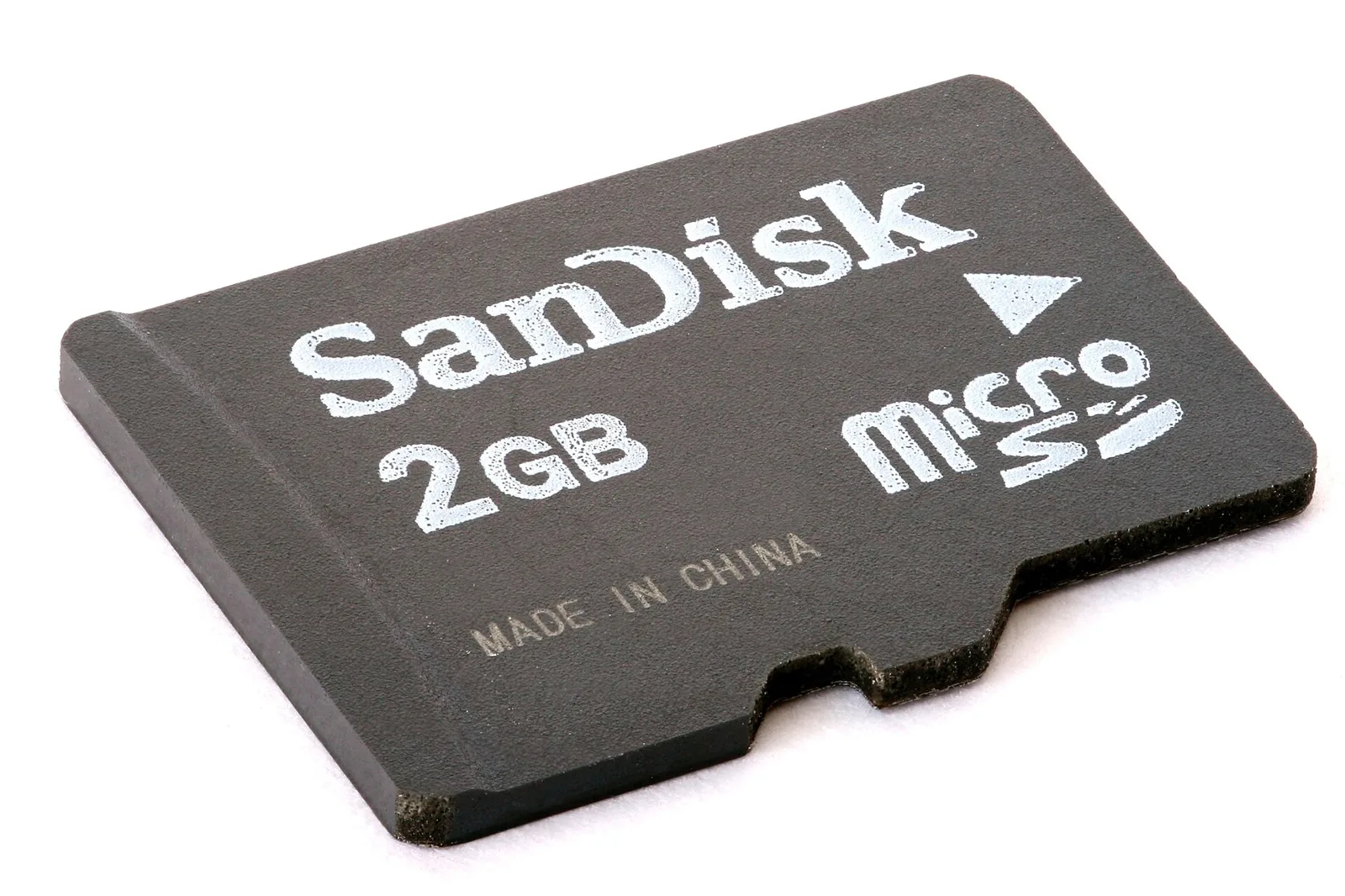
For years, microSD cards have been limited by the UHS-I bus. microSD Express, defined by the SD Association, swaps that bus for PCI Express and the NVMe protocol. The result is a tiny card that behaves more like a small SSD.
How it works
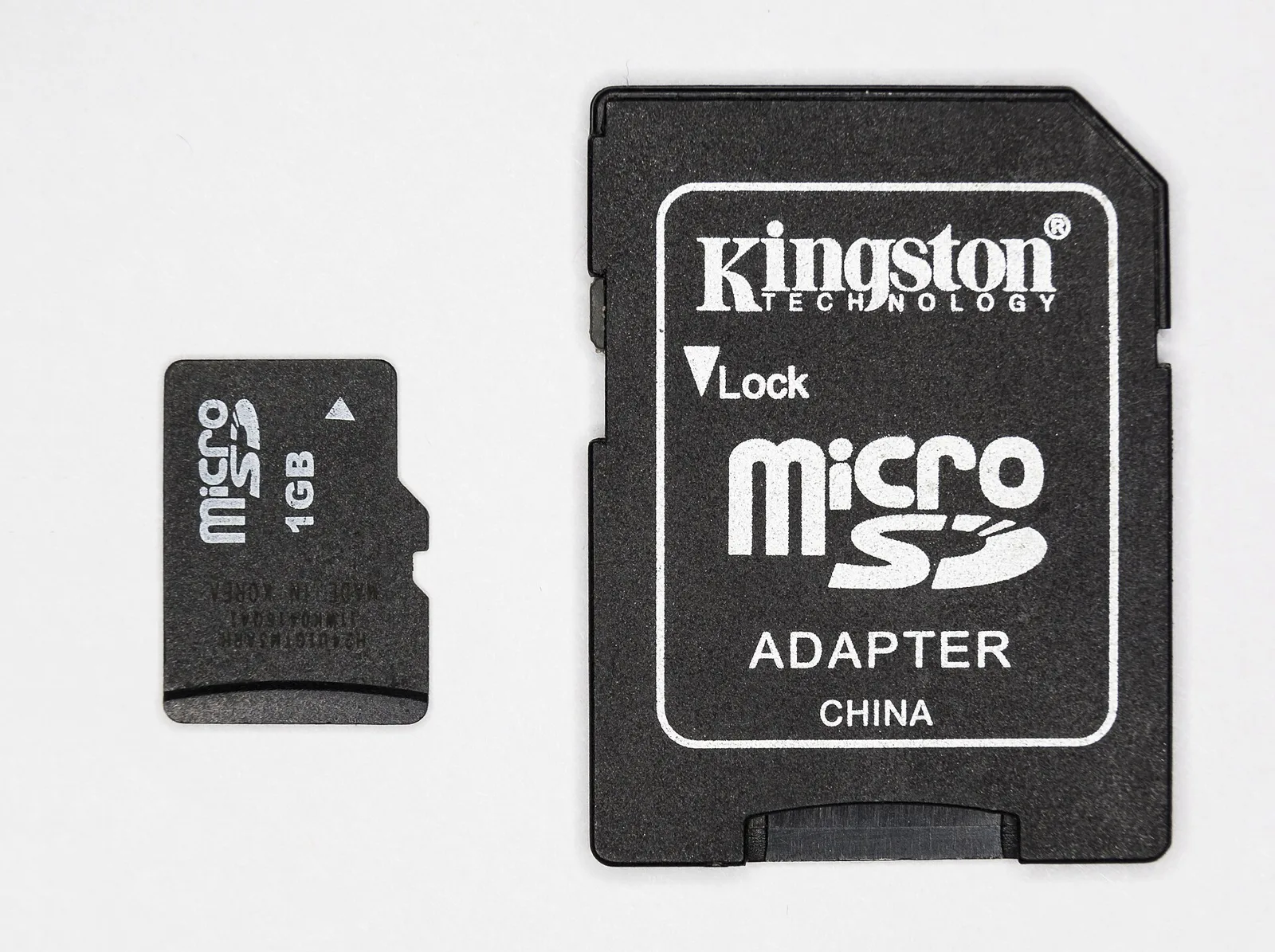
An Express card has a second row of contacts that carries the PCIe lane. In an Express-capable slot the card talks PCIe/NVMe. In an ordinary slot it falls back to the UHS-I pins, so it still works, just at normal speeds.
Speed in plain numbers
- UHS-I: bus up to 104MB/s. Most gaming-handheld cards sold before 2025 are this type.
- microSD Express (PCIe Gen3 x1): interface up to about 985MB/s, per the SD Association.
Real products sell below the interface limit, and brands list their own rated speeds. The point is that Express removes the UHS bottleneck.
Who needs it?
Right now the main reason gamers buy Express is Nintendo Switch 2, which requires it for games. Steam Deck and most phones use UHS-I cards, so an Express card works in them but runs at UHS-I speed. Our Switch 2 card guide covers buying advice. For console SSDs, see PS5 and Xbox storage expansion explained.