Key takeaways
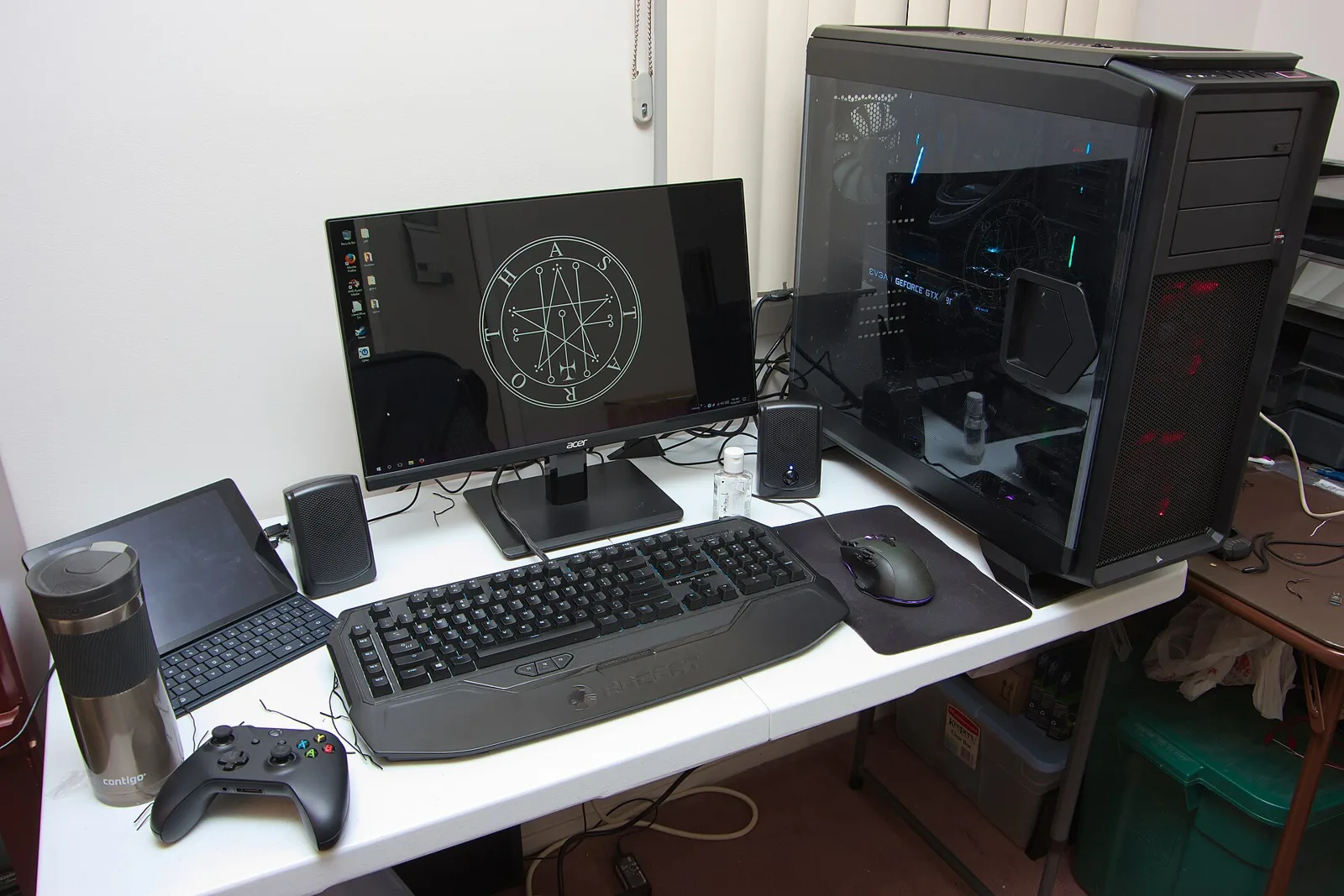
- Choose a resolution your GPU or console can actually drive. 1440p is the sweet spot for most PCs.
- 144Hz or higher makes a big difference on PC. Consoles top out at 120Hz.
- OLED gives the best contrast and response time. IPS is the safe all-rounder. VA gives deep blacks for less money.
Monitor spec sheets are full of numbers. These are the ones that matter for games, and how to match them to your hardware.
Resolution
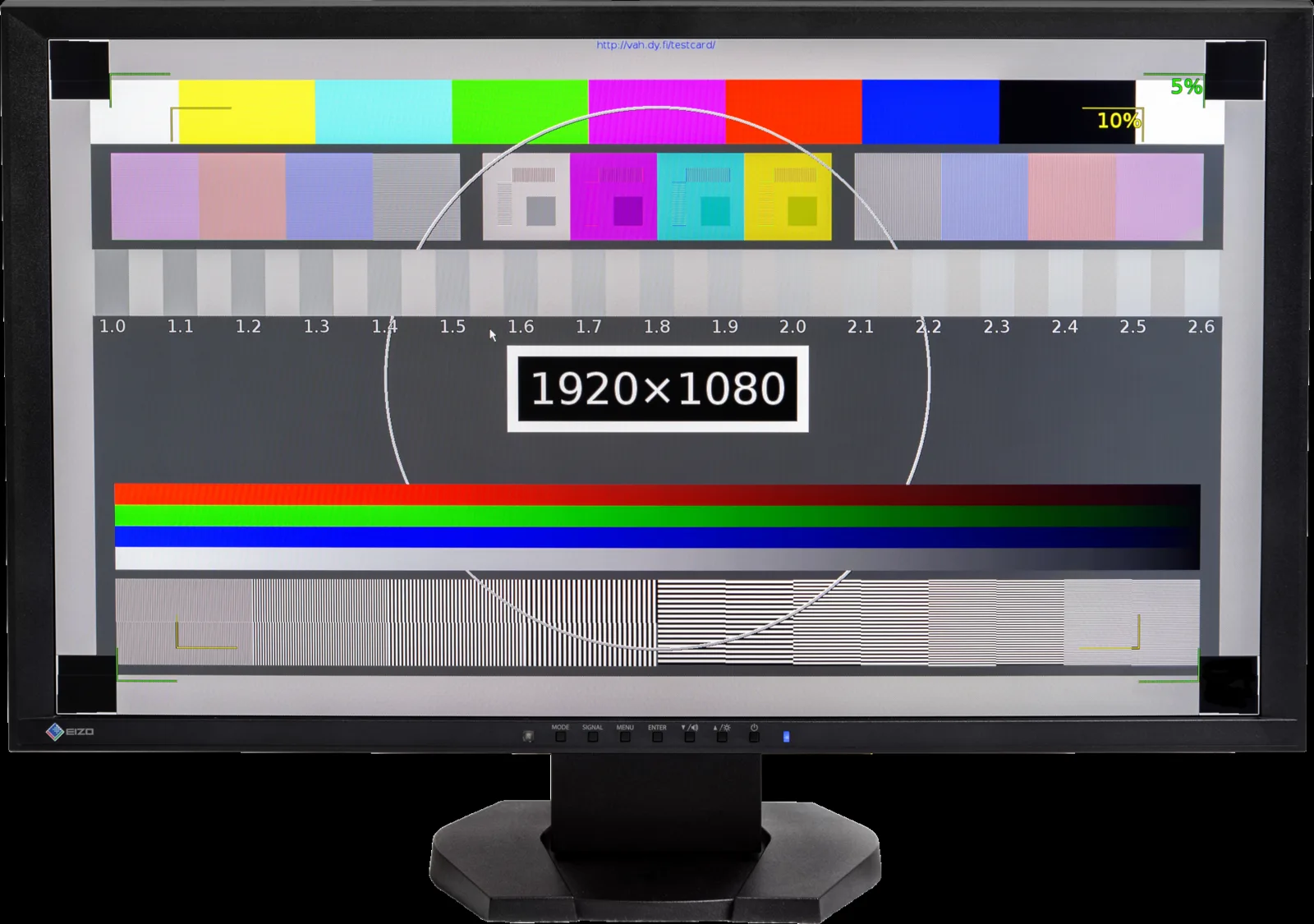
- 1080p: cheap and easy to run. Best on 24-inch screens and for very high frame rates.
- 1440p: the most popular choice for PC gaming on 27-inch screens.
- 4K: sharp, but needs a powerful GPU. Works well with PS5 and Xbox Series X on larger monitors.
Refresh rate
A higher refresh rate makes motion look smoother, as long as your hardware can deliver the frames. On PC, 144–180Hz is the mainstream choice, and 240Hz+ is for competitive shooters. Consoles output up to 120Hz, so look for HDMI 2.1 if you want 4K at 120Hz (see HDMI 2.1 explained).
Panel types
- IPS: good color and viewing angles, fast enough for most players.
- VA: higher contrast and darker blacks, but some models smear in dark scenes.
- OLED: per-pixel lighting and near-instant response. It costs more, and you should look at burn-in care and warranty terms.
Variable refresh rate
Adaptive sync (FreeSync, G-SYNC Compatible, VESA AdaptiveSync, HDMI VRR) matches the screen to the frame rate and removes tearing. Make sure the monitor supports the kind your GPU or console uses.
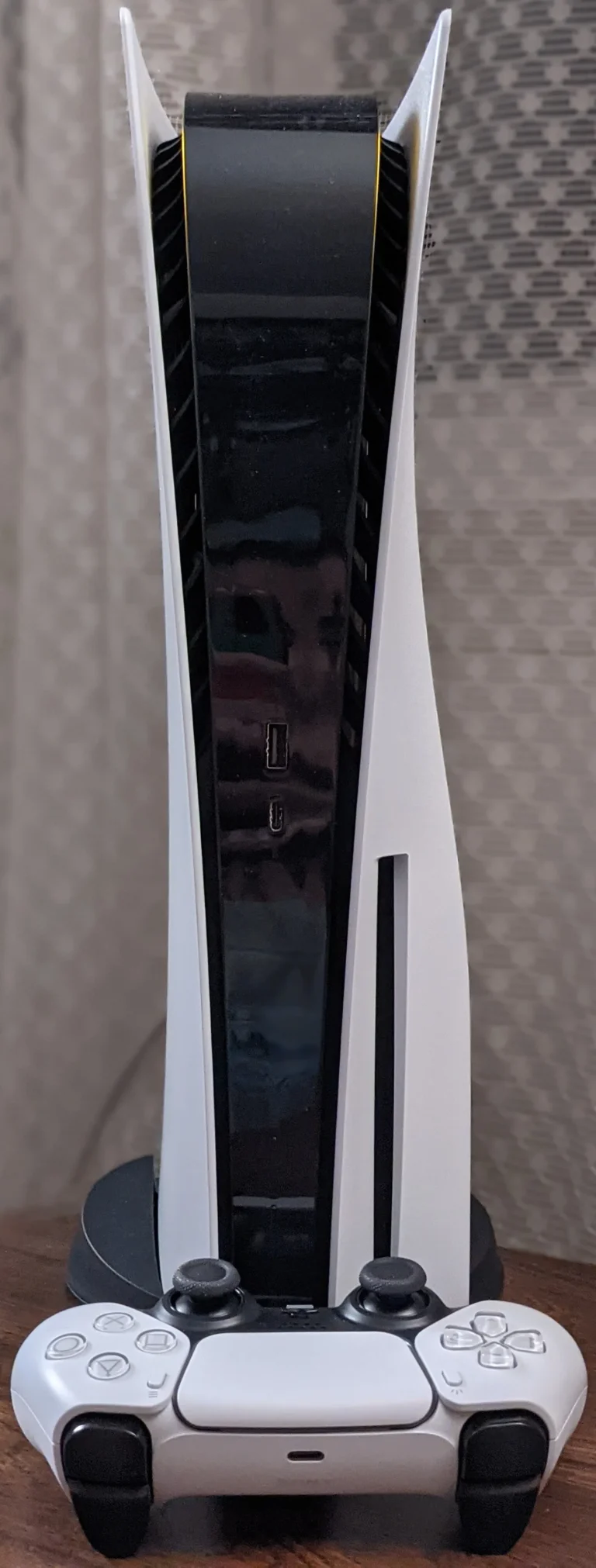
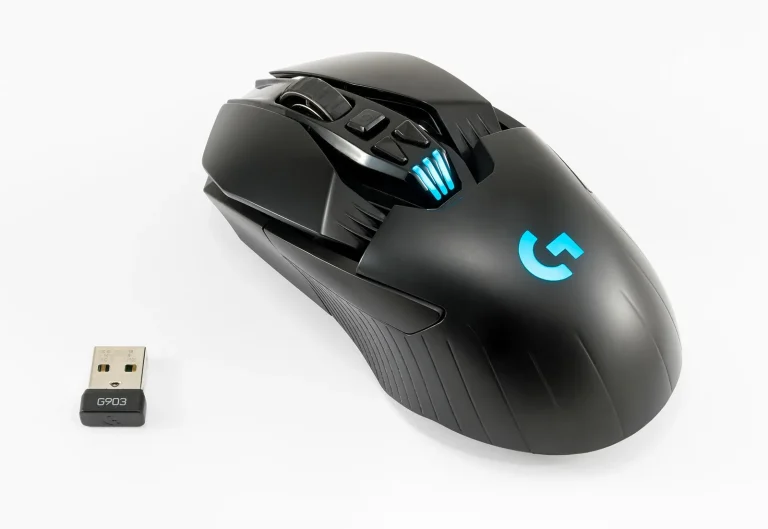
Finish the setup with our mouse guide and headset guide, and if you’re on PS5, follow our 120Hz/VRR setup.