Key takeaways
- GTA VI digital pre-loading starts Nov 12, 2026. Even boxed copies need a download.
- Rockstar hasn’t published a file size, so plan for a very large install.
- PS5: add an M.2 PCIe Gen4 SSD. Xbox Series X|S: use an official Storage Expansion Card. USB drives are fine for storing games.
The worst way to start a big launch is a “not enough space” error. Take-Two says the physical edition of GTA VI contains a download code, so every player will be downloading the game. Here’s how to make room in advance.
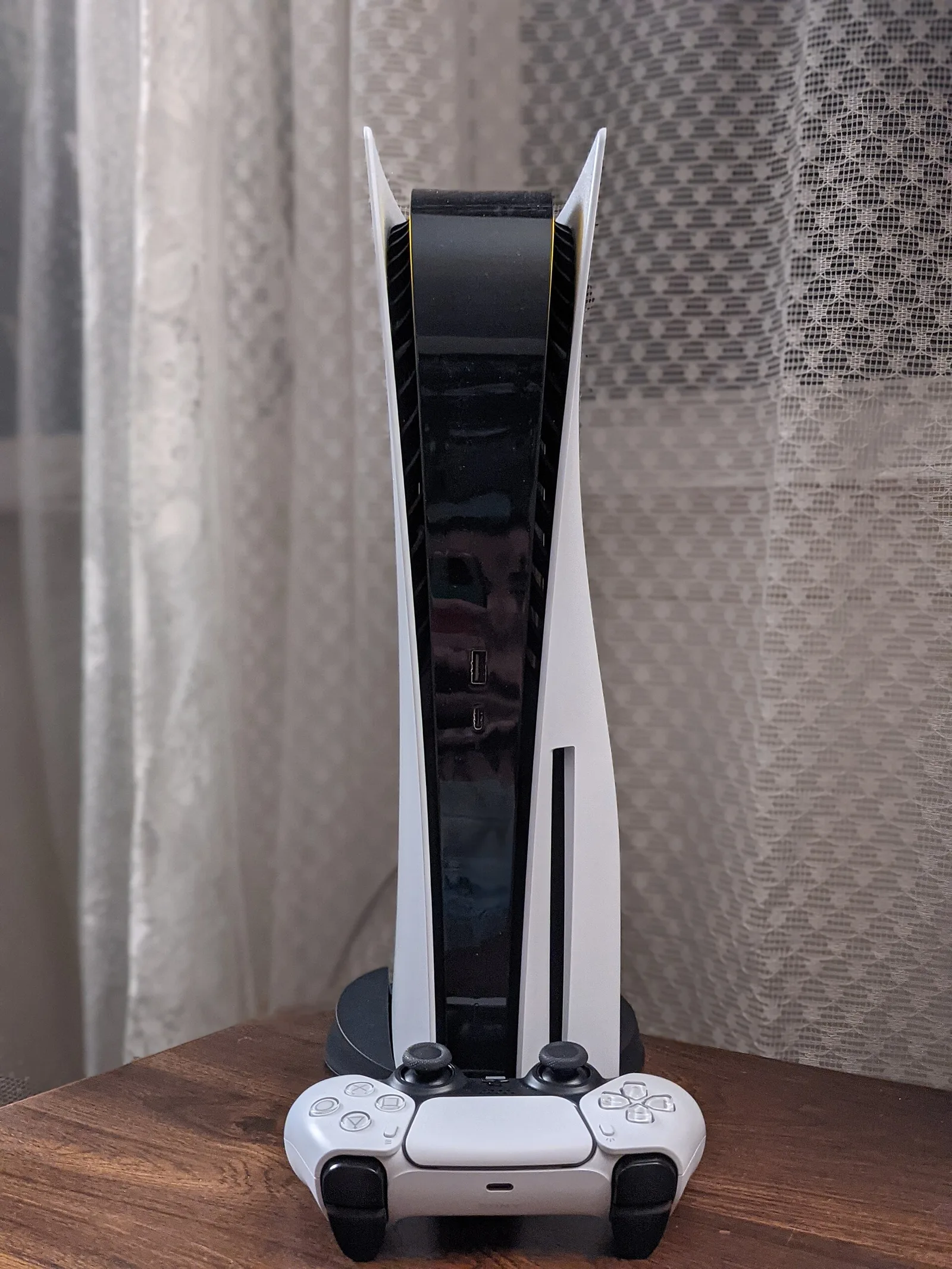
Step 1: See what’s taking up space
- PS5: Settings → Storage → Console Storage → Games and Apps. Sort by size.
- Xbox Series X|S: Settings → System → Storage devices. Or open My games & apps → Manage to see each game’s size.
Step 2: Delete safely
Deleting a game doesn’t delete your progress. Save data is stored separately, and console saves sync to the cloud (on PS5 this needs PS Plus). Games you own can be downloaded again at any time. Start with large games you’ve finished. On PS5 you can also delete individual add-ons or a multiplayer component without removing the whole game.
Step 3: Expand if you need to
PS5
The PS5 has an M.2 slot for an internal SSD. Sony supports PCIe Gen4 M.2 NVMe drives from 250GB to 8TB, recommends read speeds of 5,500MB/s or faster, and calls for a heatsink or cooling. PS5 games can run from that drive. A USB drive can store PS5 games and run PS4 games. Our storage expansion explainer goes into more detail.
Xbox Series X|S
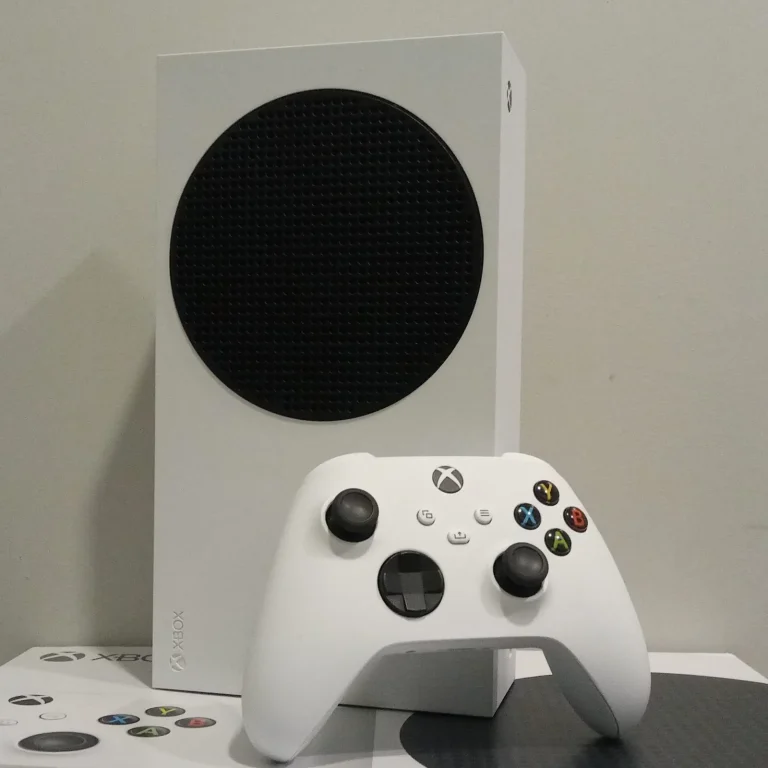
Series X|S games run only from internal storage or an official Storage Expansion Card that plugs into the back. A USB 3.1 drive can hold Series X|S games for storage (move them back to play) and can run Xbox One and older games directly. Use it to park games you aren’t playing.
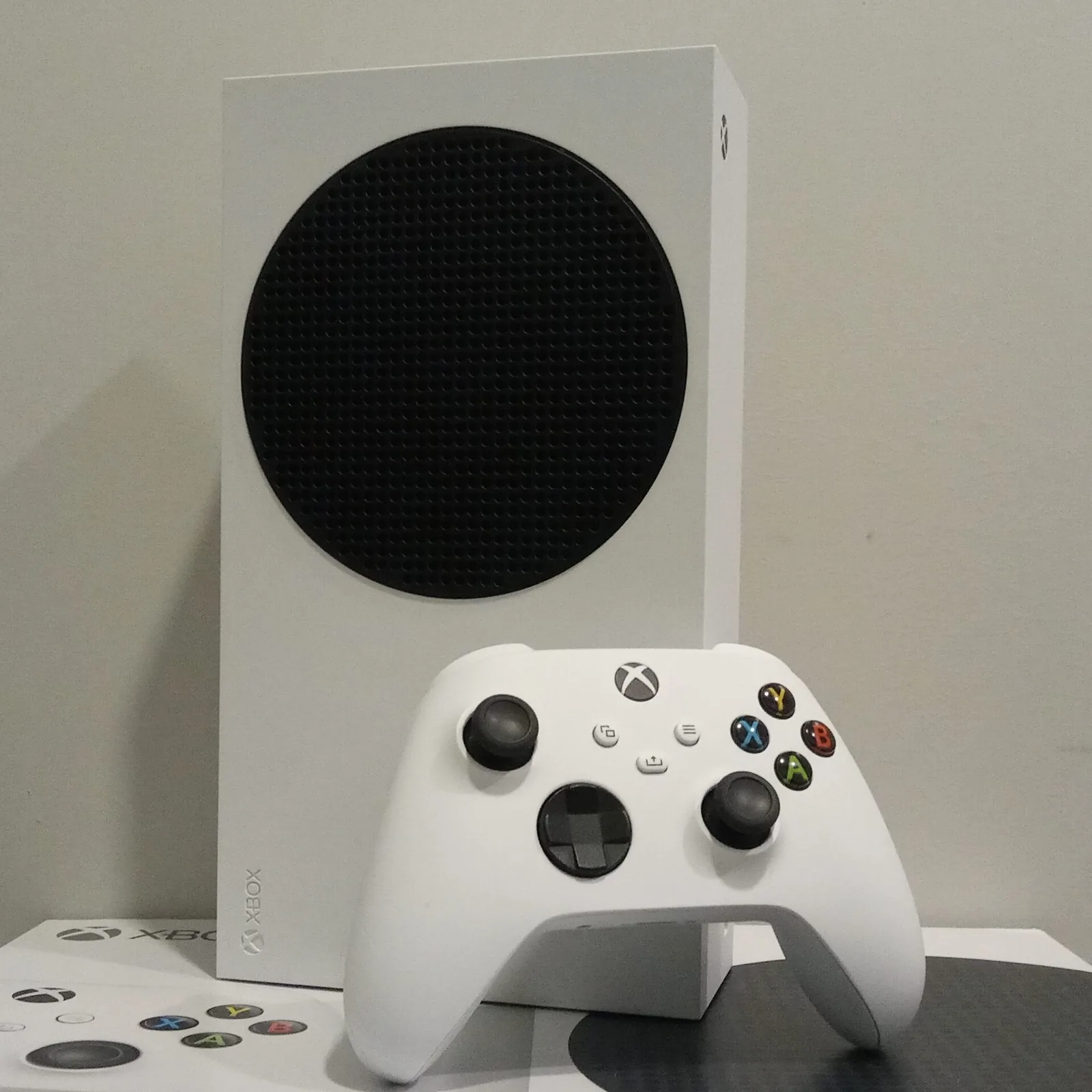
Step 4: Turn on auto-downloads
Leave the console in rest mode (PS5) or with “Keep my games & apps up to date” on (Xbox), so the pre-load can start without you. Find all the confirmed launch details in our GTA 6 explainer, and our Xbox Quick Resume and storage tips have more Xbox advice.
.jpg)
